 MapUrbex
Can you use an offline urbex map without internet? This guide explains what works offline, what to download first, and the limits of an urbex map app.
Offline Urbex Map: Can You Use an Urbex Map Without Internet?
An offline urbex map is useful because many abandoned places sit in valleys, industrial outskirts, forests, or rural roads where coverage is weak. If the map base, saved places, and notes are downloaded in advance, you can still consult the map without a live connection.
That does not mean every feature works offline. A responsible workflow matters: save the right area, cache the relevant place information, and remember that legality, access conditions, and safety can change after the last sync.
MapUrbex is built around verified locations, curated mapping, and preservation-first exploration. Offline use only makes sense when it supports careful preparation, not risky or unauthorized entry.
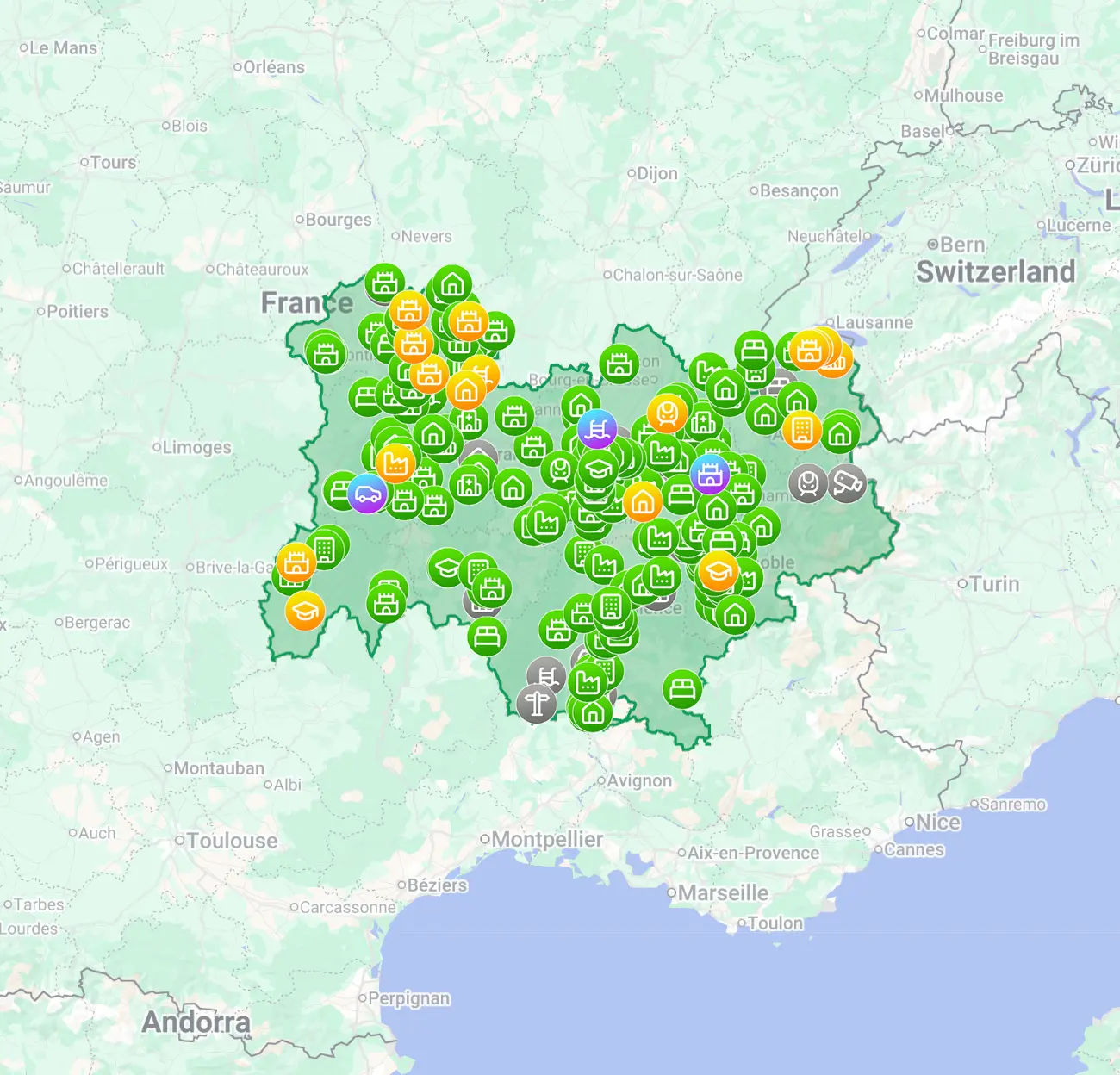
Can you consult an offline urbex map without internet?
Yes. You can consult an offline urbex map without internet if the map area, saved locations, and useful notes were downloaded beforehand. In most cases, your phone's GPS can still estimate your position without mobile data. What usually stops working offline are live updates, unsaved map zones, and any feature that depends on a network request.
Quick summary
- An offline urbex map works only if you save the map data before leaving home.
- GPS usually still works without internet, but the map background must already be available on the device.
- Saved pins, notes, and route context are often the most useful offline elements.
- Live verification updates do not arrive once you lose signal.
- Offline access improves planning, but it does not confirm legal entry or current site conditions.
- Responsible urbex means checking access rules, avoiding forced entry, and preserving places.
Quick facts
| Topic | Offline status | What it means |
|---|---|---|
| GPS position | Usually yes | Satellite positioning often works without mobile data |
| Map tiles | Only if downloaded | Unsaved areas may appear blank |
| Saved places | Usually yes | Pins and notes can remain visible locally |
| Live updates | No | New closures or changes may not appear |
| Verification quality | Depends on last sync | Always review details before departure |
| Legal access | Never guaranteed by the map | You must respect local laws and property rights |
Why does offline access matter for urbex trips?
Offline access matters because weak signal is common around abandoned places. A map that disappears when coverage drops is not reliable enough for field use.
In practice, offline consultation helps in four moments: approaching the area, checking nearby landmarks, confirming that you are looking at the right zone, and leaving the area safely. It is especially useful when road signs are limited or when satellite imagery loads slowly.
For many explorers, the real value is not only navigation. It is context. A good offline urbex map can preserve your saved shortlist, basic site notes, and the wider geography around the place.
If you want a broader overview of available options, start with Browse all urbex maps and compare that with Where Can You Find a Reliable Urbex Map? Complete 2026 Guide to Free and Paid Options.
How does an offline urbex map work in practice?
An offline urbex map works by storing map tiles, saved points, and selected place data directly on your device before the trip. Once downloaded, the app reads that local data instead of requesting it from the internet.
Your phone does not need mobile data to receive GPS coordinates. It does, however, need a previously saved map layer to show that position against roads, terrain, or markers. That is why users often think GPS failed when the real issue is that the visual map was never cached.
A strong workflow is simple:
- Open the target region while you still have connection.
- Save the map area you need, plus a margin around it.
- Save the places you may consult on site.
- Reopen the app in airplane mode to verify that the map still displays.
If you are just getting started, Access the free urbex map is a practical way to test how much information you want available before leaving.
What should you download before leaving home?
You should download more than the pin itself. The most useful offline setup includes the map base, nearby roads, alternate approach context, and your essential notes.
A practical checklist looks like this:
- the target map area and surrounding buffer zone
- saved urbex locations you actually plan to review
- screenshots or notes with non-sensitive reminders
- parking context and public-road reference points
- emergency contacts and local weather information
- an offline battery backup plan
Do not download only the exact site marker. In the field, the extra few kilometers around a place are often what help most. Detours, dead ends, and blocked roads are easier to understand when the surrounding map is already present.
It also helps to review larger map strategy before the trip. The guide Free Urbex Map 2026: The Complete Guide to Verified Abandoned Places Maps explains how map quality and verification change the usefulness of any offline setup.
What are the limits of an urbex map app without internet?
An urbex map app without internet is useful, but it is never complete. Offline mode gives you local access to stored information, not real-time awareness.
These are the main limits:
- no live changes after your last sync
- no newly added verification notes
- no loading of missing photos or unsaved zones
- no guarantee that local conditions are unchanged
- no legal validation of entry, parking, or access rights
This matters because abandoned places are unstable by nature. Gates change. Roads close. Security patterns shift. Weather can make a route unsafe even if the site looked accessible when you checked from home.
A reliable offline map reduces uncertainty, but it does not remove judgment. Treat it as a planning tool, not as permission.
How should you prepare safely and legally?
You should prepare by combining offline mapping with legal checks, conservative planning, and a clear exit strategy. The map helps you orient yourself; it does not override property rights or safety rules.
MapUrbex promotes responsible exploration. That means:
- never force entry
- never trespass where access is prohibited
- never vandalize, steal, or reveal sensitive details irresponsibly
- prioritize daylight, weather awareness, and battery reserve
- tell someone where you are going when visiting remote areas
It is also wise to separate research from action. A verified location on a curated map can tell you that a place exists and has been documented. It does not mean the place is open, safe, or lawful to enter on the day you go.
For local trip planning, Urbex Map Near Me: How to Find Verified Abandoned Places Safely is a useful companion read.
FAQ
Does an offline urbex map still show GPS position?
Usually yes. Most smartphones can still calculate position from satellite signals without internet. What must be saved in advance is the visible map layer.
Do you need to download the whole country?
No. In most cases, it is better to save the target area plus a comfortable buffer around it. That keeps storage lighter while preserving useful context.
Is an offline urbex map enough to confirm legal access?
No. A map can help with orientation and verification history, but it cannot grant permission. You must respect local law, property boundaries, and posted restrictions.
What is the difference between saved pins and a full offline map?
Saved pins may preserve the place marker or note. A full offline map also stores the surrounding map tiles, which is what lets you interpret roads, terrain, and nearby landmarks without internet.
Can offline consultation improve safety?
Yes, within limits. It reduces confusion when coverage drops, but it does not remove the need for caution, lawful behavior, and real-world observation.
Conclusion
Yes, you can consult an offline urbex map without internet, but only if you prepare properly. The core rule is simple: save the map, save the places, and test offline mode before you leave.
The best offline experience comes from verified data, curated coverage, and responsible expectations. Use offline access to stay oriented and organized, not to take avoidable risks.
If you want to test a curated offline-ready workflow, start here.
Access the free urbex map
