 MapUrbex
Step-by-step guide on how to get your Free Urbex Map on MapUrbex. Discover a selection of abandoned spots and start exploring safely today.
Why a Free Map?
At MapUrbex, we want every urban exploration enthusiast to try our services right away.
The Free Map gives you access to a preview of our Discovery spots, so you can test our platform before going further.
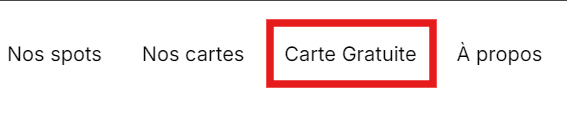
Step 1: Click on “Free Map” in the menu
From the homepage, look at the top menu.
Click on “Free Map” to access the dedicated area.
Step 2: Create an account or log in
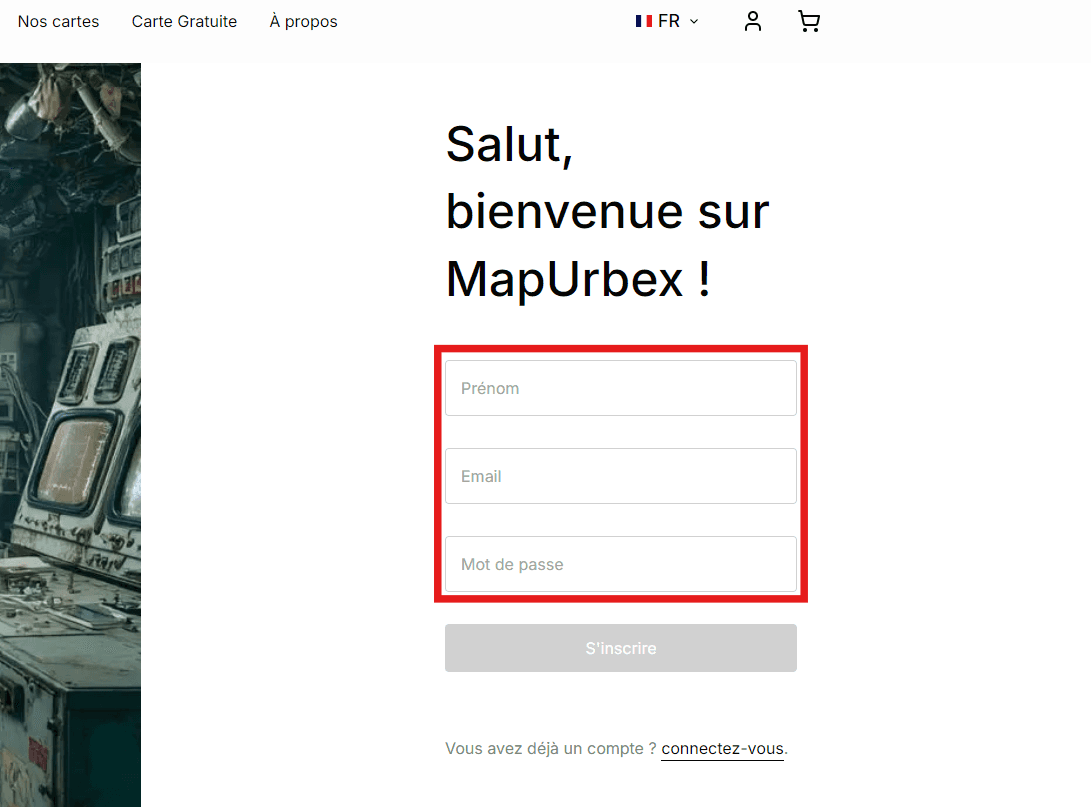
To get your Free Map, you just need to sign up (if you don’t have an account yet) or log in.
- New user → fill in your first name, email, and password.
- Already a member → simply click on “log in”.
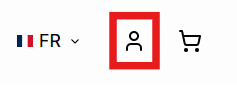
Step 3: Go to the “My Account” area
Once logged in, go to the “My Account” section from the user menu (top right corner).
Step 4: Download your Free Map
Inside your My Account space, you’ll see the box Free Discovery Map.
Click on the button:
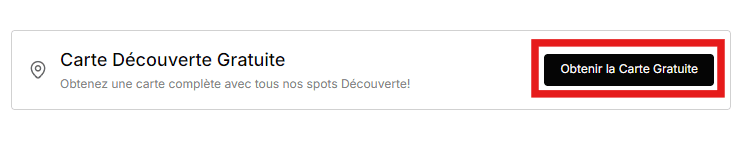
The map will be automatically sent to your email and ready to use.
Conclusion
In just a few clicks, you can download your Free Urbex Map and explore a selection of abandoned places.
It’s the best way to try MapUrbex and start your adventure today.
