 MapUrbex
A clear guide to the best AI tools for analyzing urbex photos, from image recognition and denoise to masking, metadata review, and responsible publishing.
AI Tools to Analyze Urbex Photos: A Practical Guide
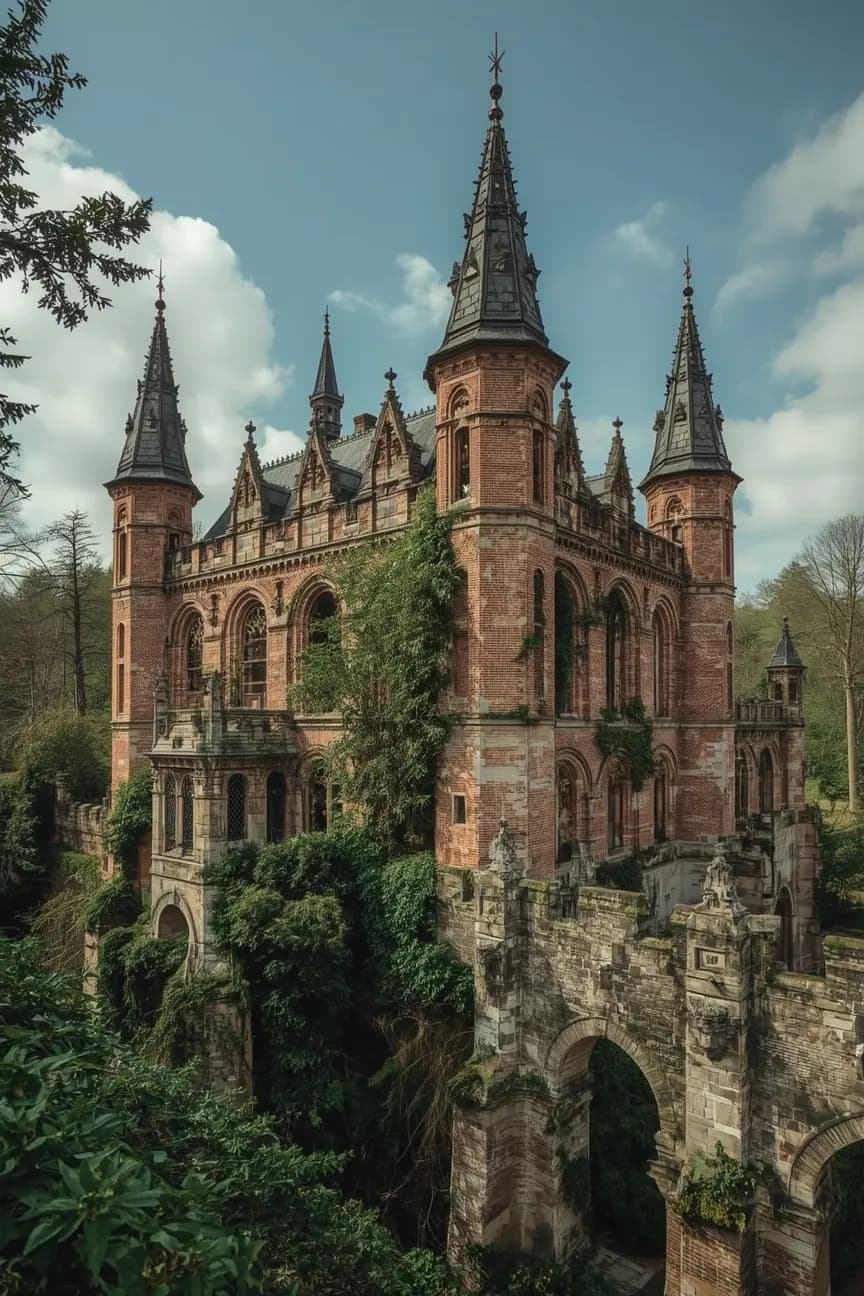
AI tools can make urbex photo analysis faster and more accurate. They help sort large shoots, detect subjects, recover detail, create masks, and flag privacy issues before publication.
Used well, artificial intelligence supports documentation. It does not replace field judgment, structural awareness, or legal boundaries. A model can analyze pixels, but it cannot confirm safe entry, lawful access, or site permissions.
This guide explains how to use AI for urbex photography in a preservation-first way. The goal is to document abandoned places responsibly, not to expose access points or enable trespassing.
What are the best AI tools to analyze urbex photos?
The best AI tools to analyze urbex photos usually fall into five groups: image recognition tools, AI culling and tagging software, denoise and upscale editors, AI masking tools, and metadata review utilities. Together, they help photographers understand a scene, improve technical quality, and protect sensitive location details before sharing images online.
Quick summary
- AI is most useful for sorting images, recognizing objects, reducing noise, creating masks, and checking metadata.
- The best workflow combines scene analysis with careful manual review.
- AI can help document damage, materials, and composition, but it cannot verify safety or legality.
- GPS data, reflections, signs, and nearby landmarks should be reviewed before publishing urbex photos.
- Responsible urbex photography uses AI for preservation, not for revealing entrances or precise coordinates.
- MapUrbex favors verified locations, curated maps, and preservation-first exploration.
Quick facts
- Primary use: analyze, sort, and enhance urbex photos
- Best for: large batches, low-light scenes, damaged interiors, repeated architectural details
- Common AI tasks: tagging, denoise, masking, object recognition, privacy review
- Main risks: hallucinated detail, over-editing, wrong labels, exposed location clues
- Best practice: keep edits honest and remove sensitive metadata before posting
- Related resource: Browse all urbex maps
How can AI improve urbex photo analysis without changing the scene?
AI improves urbex photo analysis by speeding up technical review while preserving the documentary value of the image. In practice, it helps you find the sharpest frame, separate subject from background, recover shadow detail, and group similar shots without forcing you to alter the core reality of the place.
That matters in urbex because abandoned locations often involve low light, dust, broken geometry, and repeated textures. Manual sorting is slow. AI can detect blur, eye direction, contrast problems, and duplicate frames in seconds.
A careful approach is simple: use AI to assist decisions, not to invent evidence. If a staircase is unsafe, a window is broken, or a room is vandalized, the published image should not hide those facts in a misleading way.
Which AI tool categories matter most for urbex photography?
The most useful AI tool categories for urbex photography are recognition tools, culling software, denoise and upscale editors, masking systems, and metadata utilities. Each category solves a different problem, so the best setup is usually a workflow rather than one single app.
| Tool category | What it does for urbex photos | Best use case | Main limitation |
|---|---|---|---|
| Image recognition tools | Identify objects, surfaces, architectural elements, and scene context | Cataloging interiors, machinery, signage, materials | Labels can be approximate or wrong |
| AI culling and tagging | Sort duplicates, flag blur, rate similar images | Large shoots from factories, hospitals, hotels | Can miss artistic intent |
| AI denoise and upscale | Reduce noise and improve legibility in dark scenes | Handheld low-light shots | Can create artificial texture |
| AI masking and retouching | Select walls, windows, sky, floors, graffiti, or subjects | Targeted exposure and color correction | Easy to over-edit |
| Metadata and privacy tools | Review EXIF, GPS, timestamps, device data | Pre-publication privacy checks | Does not catch all visual clues |
In real workflows, photographers often combine several kinds of software. For example, a shoot may start with AI culling, continue with noise reduction and masking, and end with a manual privacy check.
Can AI identify objects, damage, or architectural clues in abandoned places?
Yes, AI can often identify broad visual elements in urbex photos, including staircases, industrial machines, church features, tiled rooms, hospital corridors, or water damage. It is useful for first-pass analysis, not for final expert diagnosis.
Recognition is especially helpful when you want to index a large archive. A model may detect repeated motifs such as peeling paint, broken glazing, old control panels, mold patterns, or Art Deco details. That saves time when building a searchable photo library.
However, recognition quality depends on image clarity, angle, and training data. AI may confuse boiler rooms with workshops, misread damaged lettering, or wrongly label historical features. If you are describing a site publicly, verify critical claims yourself.
How should you use AI for editing urbex photos responsibly?
Responsible AI editing means improving readability without falsifying the place. For urbex images, that usually means correcting exposure, noise, white balance, perspective, and local contrast while keeping the site's real condition visible.
A useful rule is to separate documentary edits from creative edits:
- Documentary edits: denoise, lens correction, dust spot cleanup, gentle contrast, white balance, crop
- Creative edits: sky replacement, object removal, invented textures, heavy scene reconstruction, compositing
Documentary edits are usually appropriate when you want to record a site faithfully. Creative edits can still be valid art, but they should not be presented as neutral documentation.
This distinction matters for abandoned places. If AI removes warning signs, hides collapse damage, or fabricates clean walls, it changes the factual record. In preservation-oriented work, transparency is better than spectacle.
What should you check before sharing AI-assisted urbex images online?
Before sharing AI-assisted urbex images online, check metadata, visual location clues, and unintended security details. This review is as important as the edit itself because a single image can reveal far more than the photographer intended.
Review the following elements before posting:
- GPS coordinates in EXIF data
- File names or export presets that include a place name
- Street signs, station names, plaques, and business logos
- Mirrors or reflections that show access routes
- Alarm panels, padlock types, camera placements, or broken entry points
- Nearby houses, parked vehicles, or readable license plates
Do not use AI to infer or publish entrances, bypass methods, or exact coordinates. Responsible urbex protects places from vandalism, theft, and unsafe copycat visits.
If your goal is location discovery, curated sources are safer than exposed breadcrumbs in photos. You can Browse all urbex maps or explore city guides like Urbex Strasbourg: 10 Abandoned Places to Know in Strasbourg and Nearby, Urbex Toulouse: Best Abandoned Places In and Around Toulouse, and Urbex Brussels: guide to abandoned places in and around Brussels.
Which workflow works best from import to publication?
The best workflow for AI analysis of urbex photos is a staged process: import, cull, recognize, edit, review privacy, and publish. This keeps the technical benefits of AI while reducing factual and ethical mistakes.
- Import and back up files. Keep original RAW files unchanged.
- Run AI culling. Remove obvious blur, duplicates, and accidental shots.
- Tag the scene. Use recognition to group rooms, machinery, façades, details, and textures.
- Apply technical corrections. Use denoise, masking, lens correction, and perspective tools carefully.
- Review documentary accuracy. Compare the edited image to the original.
- Check privacy and security clues. Remove GPS and inspect visible identifiers.
- Publish with context. Describe the location responsibly and avoid operational details.
This process works especially well for large photo sets from factories, castles, schools, sanatoriums, or transport sites.
What are the limits of AI for urbex image analysis?
AI is helpful, but its limits are clear: it can misidentify objects, exaggerate detail, smooth textures unrealistically, and miss context that matters to humans. In urbex, those limits are important because abandoned places often contain decay patterns that are visually ambiguous.
Low light, debris, graffiti layers, broken symmetry, and water damage can confuse models. Upscaling tools may invent brick lines or sharpen peeling paint into false edges. Vision assistants can produce confident descriptions that are partly wrong.
AI also cannot answer the questions that matter most in the field: Is the floor stable? Is access legal? Is there asbestos, mold, or active security? Those decisions require human judgment and local law awareness.
FAQ
Can AI find the location of an abandoned place from a photo?
Sometimes it can suggest clues, but it should not be used to reveal or publish sensitive locations. Reverse image search, signage recognition, and landmark matching can expose places quickly, which is why privacy review is essential.
Is AI photo restoration suitable for documentary urbex work?
Yes, if restoration stays technical and honest. Noise reduction, exposure recovery, and perspective correction are usually acceptable. Fabricating missing details or removing hazards is not appropriate for documentary presentation.
Which file format is best for AI editing of urbex photos?
RAW files are best when available because they preserve the most tonal and color information. If you only have JPEG, AI tools can still help, but the margin for heavy correction is smaller.
Should you remove GPS data from urbex images?
In most cases, yes. Removing GPS data reduces the risk of exposing sensitive sites, nearby residents, or access patterns. It is a basic privacy step for responsible urbex publishing.
Can AI detect structural danger in an abandoned building?
Not reliably. AI can flag visual signs such as cracks, sagging floors, rust, or water damage, but it cannot certify structural safety. Never treat image analysis as a substitute for real-world caution.
Conclusion
AI tools for analyzing urbex photos are most valuable when they improve clarity, organization, and privacy control. They are less useful when they are asked to replace judgment or rewrite reality.
The strongest approach is simple: use AI to sort, tag, denoise, and review images, then apply a human check for accuracy, ethics, and safety. That preserves both the documentary value of the photo and the preservation-first spirit of urbex.
Access the free urbex map
